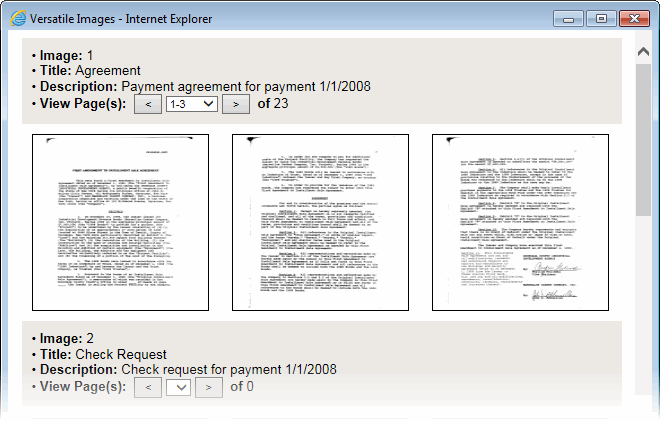
Images display in a preview window from which you can enlarge or scroll through the pages contained in each image attached to the file.
If more than one image is attached to the file, the images display consecutively. Up to three pages of each image are displayed. The information about each image is summarized above the image pages, including the image number, title, description, and a navigation bar that shows the total number of pages in that image file.
Use the scroll bar at the right side of the window to locate the image file you want to view.
Click an image thumbnail to enlarge it.
Click an image thumbnail, and then select Print Image Page to print an image.
Click the left or right arrow keys in the summary area above the images to scroll through the pages of an image file, or select the page range from the drop-down arrow.
It may take a few seconds for the images in the preview window to refresh.
